/brand/app-icon-{light,dark,admin}.png · lucide-react · @rahhal/uiIcons & brand marks
Download official Rahhal icons in PNG and SVG, with light and dark variants, React usage, and guidance for Lucide UI icons and social brand marks.
Examples
Download Rahhal icons
Direct brand assets and a ready-to-use React example.



import { RahhalIcon } from "@rahhal/ui/rahhal-icon";

<RahhalIcon
  icon="url:https://marsam.rahhal.app/brand/app-icon-light.png"
  size={48}
  alt="Rahhal"
/>App icons
Two consumer variants (auto-paired by the OS) plus an admin tile that reads visibly different from the consumer app on a busy home screen.
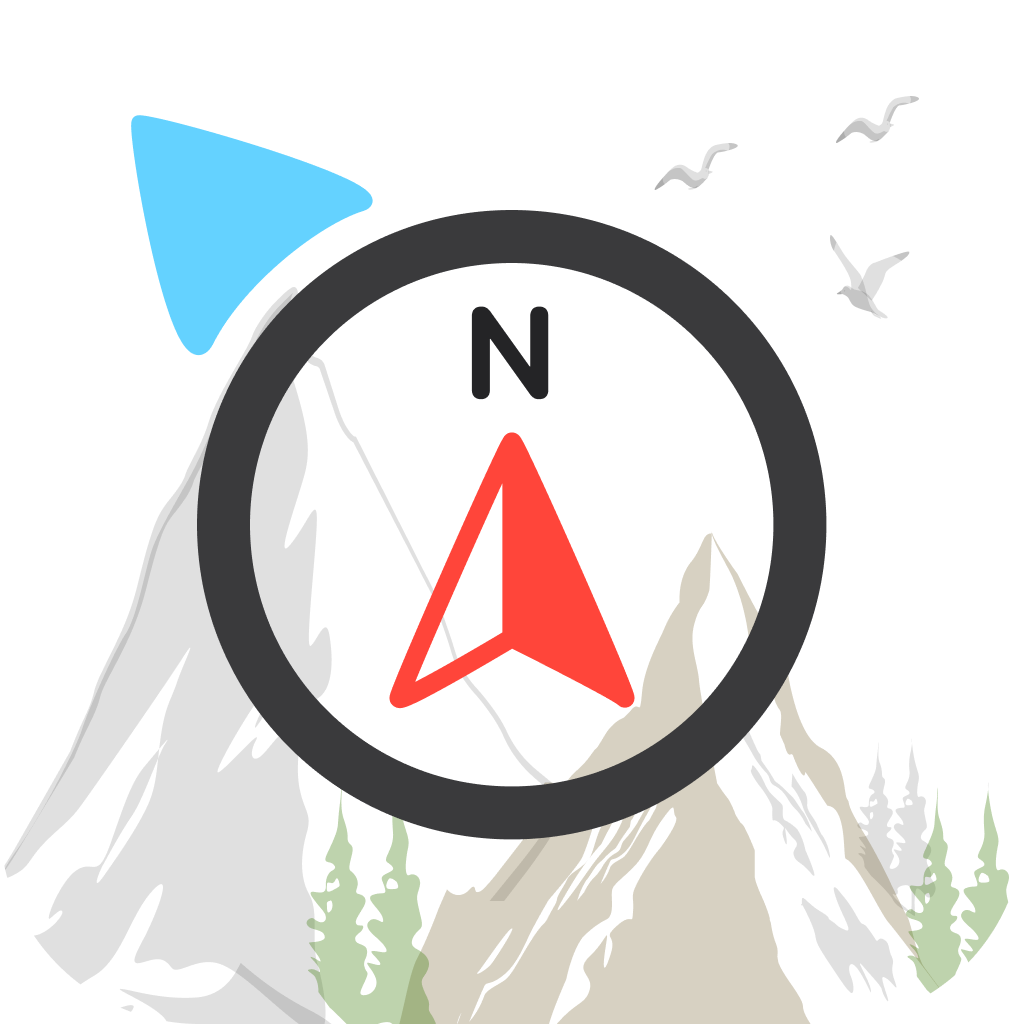
Consumer · light
Default consumer-app tile. Use for the public Rahhal mini-apps.
/brand/app-icon-light.png
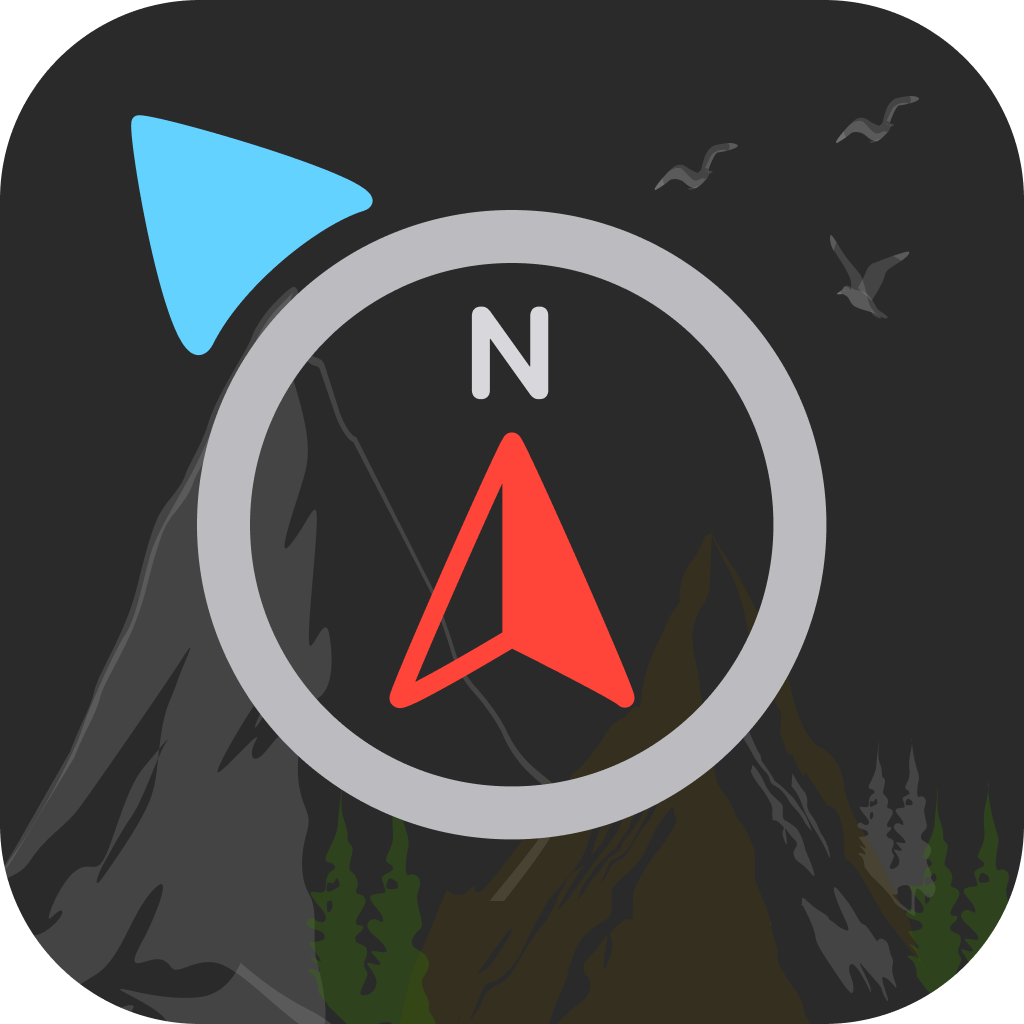
Consumer · dark
Dark variant. Auto-selected by iOS when the user picks the Dark or Tinted home-screen mode.
/brand/app-icon-dark.png
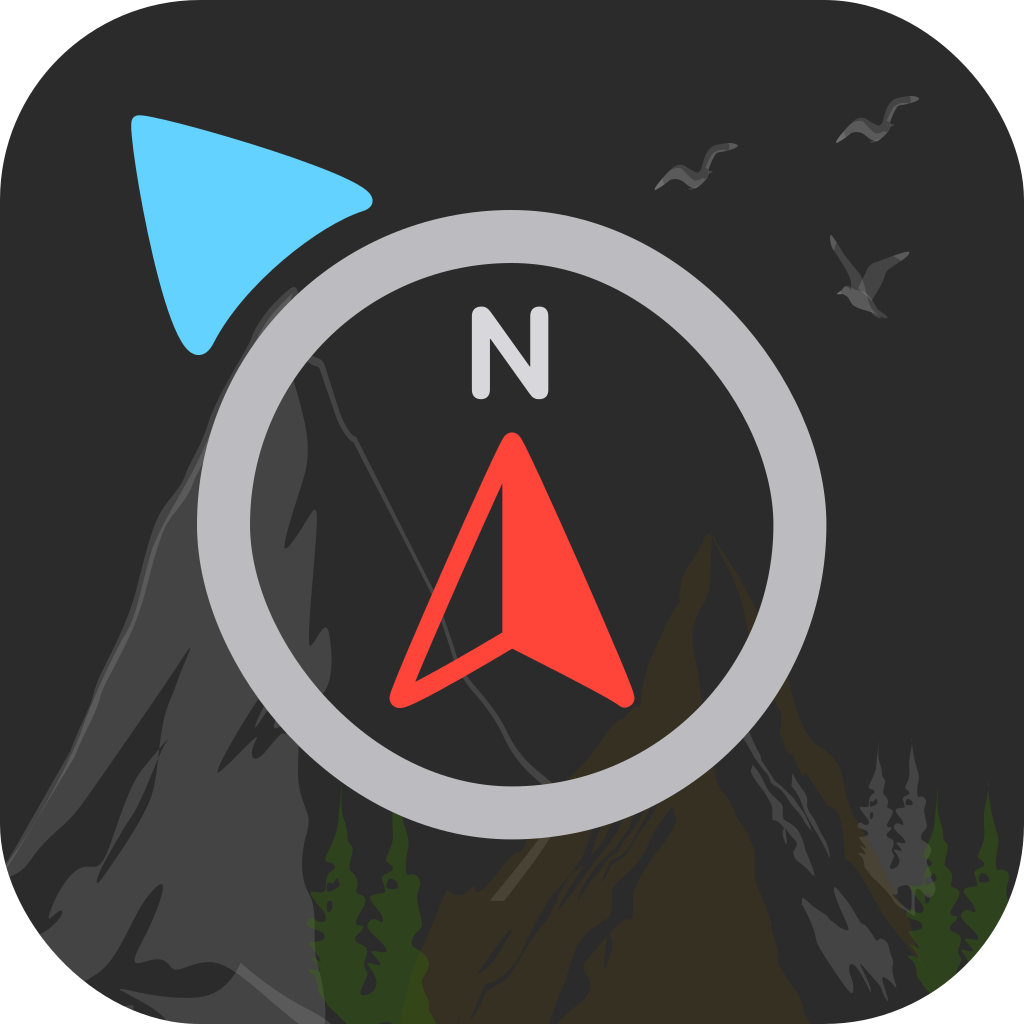
Admin
Reserved for internal admin / debug mini-apps. Visually distinct so internal builds never look like the consumer app on a teammate's home screen.
/brand/app-icon-admin.pngSocial brand marks
Shipped from @rahhal/ui — not Lucide. Lucide deprecated brand icons (issue #670, removal in v1.0), so the social marks Rahhal uses in footers live here as self-contained SVGs. Same sizing convention as Lucide icons (h-4 w-4 inline, h-5 w-5 tappable).
GithubIconLinkedinIconXIconInstagramIconUI iconography (Lucide)
Pull any icon from lucide-react. The size convention is h-4 w-4 for inline UI, h-5 w-5 for tappable affordances, h-6 w-6 for navigation, and h-8 w-8 for hero / empty states.
CompassMapMapPinSearchHeartStarBellCalendarDaysGlobeHomeUserShieldSettings